Amazon S3, Amazon EBS, and Amazon EFS all store bytes, and that is where the similarity ends. They differ in how data is addressed, how many machines can reach it at once, how they are billed, and what happens when an Availability Zone fails. Choosing wrongly is rarely fatal, but it is expensive to undo once an application depends on the access pattern.
The one-sentence version
- Amazon EBS is a virtual disk for one instance. Block storage, single-zone, attached over the network but seen by the operating system as a local drive.
- Amazon EFS is a shared file system many instances mount at once. File storage, spans Availability Zones, grows and shrinks automatically.
- Amazon S3 is an object store reached over HTTPS. No file system, no mounting, effectively unlimited, reachable from anywhere with credentials.
If your application calls open() and seek(), you need EBS or EFS. If it calls GetObject, you want S3.
Side by side
| Amazon EBS | Amazon EFS | Amazon S3 | |
|---|---|---|---|
| Storage type | Block | File (NFS) | Object |
| Access | One instance at a time (Multi-Attach for io1/io2 only) | Thousands of clients concurrently | Any authenticated caller over HTTPS |
| Interface | Block device, formatted by you | NFS v4.1 mount | REST API and SDK |
| Scope | Single Availability Zone | Regional, mount targets per zone | Regional, accessible globally |
| Capacity | Provisioned, resizable | Automatic, no provisioning | Effectively unlimited |
| Billed on | Provisioned GB-month, plus IOPS/throughput on some types | Stored GB-month by class, plus optional throughput | Stored GB-month, requests, and retrieval |
| Latency | Single-digit milliseconds, sub-millisecond on io2 Block Express | Low milliseconds | Tens of milliseconds first byte |
| Durability model | Replicated within one zone | Replicated across zones | Replicated across zones |
| Partial writes | Yes, block level | Yes, byte level | No, objects are replaced whole |
| Typical use | Boot volumes, databases, transactional writes | Shared content, CMS, home directories, lift-and-shift NFS | Backups, media, data lakes, static assets |
EBS vs S3: the comparison people actually mean
This pair gets searched more than the other two combined, usually by someone deciding where application data belongs.
Addressing. EBS gives you blocks that a file system sits on top of. You can modify byte 4,096 of a 10 GB file without touching the rest. S3 gives you objects addressed by key. Changing one byte means uploading the whole object again. Any workload that does small random updates in place, which is every relational database, belongs on EBS.
Reach. An EBS volume attaches to one instance in one Availability Zone. If the instance dies, you can reattach the volume to another instance in the same zone; if the zone fails, the volume is unavailable until it returns. S3 is reachable from every zone, every service, and the public internet if you allow it, with no attachment step.
Cost shape. EBS bills for what you provision, whether or not you use it: a 500 GB volume that is 5 percent full costs the same as a full one. S3 bills for what you store, plus per-request charges. This is why S3 is dramatically cheaper for large, rarely-touched data and why EBS is the sensible home for a small, constantly-written working set.
Durability. Both are highly durable, but differently. EBS replicates within a single Availability Zone, so an EBS volume is a single-zone resource that needs snapshots (which land in S3) to survive a zone loss. S3 stores objects redundantly across multiple Availability Zones by default in its standard classes.
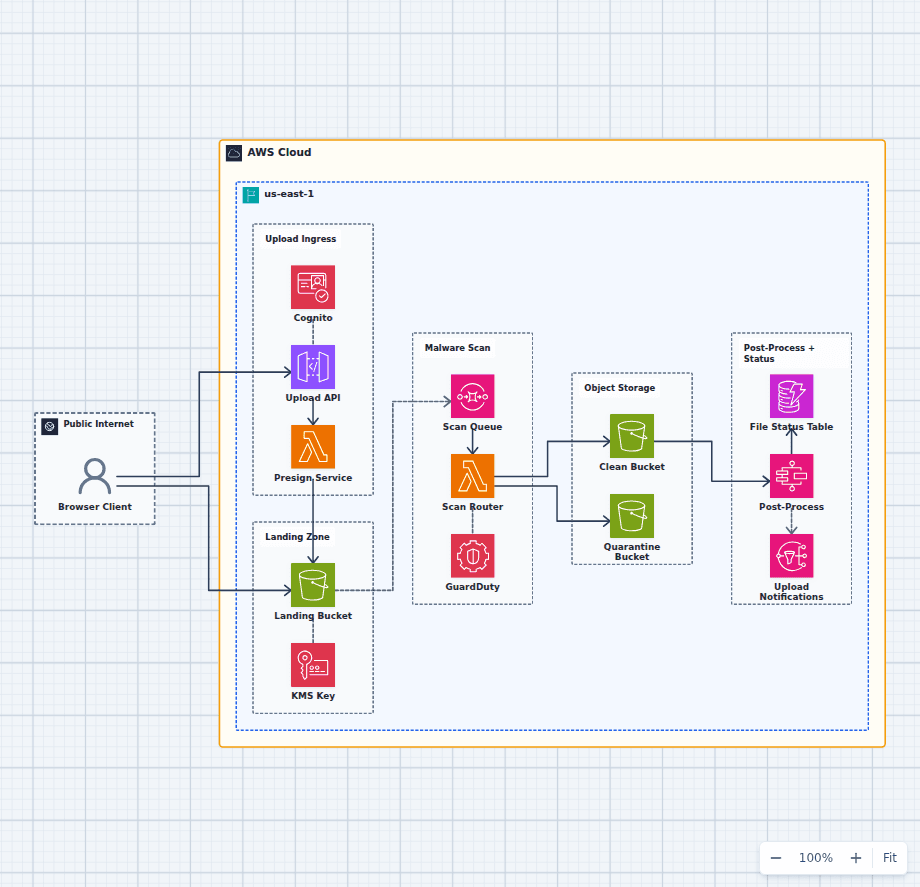
The practical answer is usually both: run the database on EBS, and push backups, exports, logs, and user-uploaded media to S3. The secure file upload pipeline shows the S3 half of that split.
EFS vs EBS: shared access versus dedicated speed
The deciding question is how many instances need to write. EBS is a disk for one instance. If a second instance needs the same data, you are either replicating it, exporting it over NFS yourself, or reaching for EFS. Multi-Attach exists for io1 and io2 volumes, but it hands you a shared block device with no coordination, so it only helps applications that bring their own cluster-aware file system.
Performance. EBS is faster per operation. gp3 delivers a configurable baseline of IOPS and throughput independently of volume size at single-digit millisecond latency, and io2 Block Express reaches far higher throughput at sub-millisecond latency. EFS runs the NFS protocol over the network, which adds a network round trip to every metadata operation. For workloads doing many small file operations, that difference is large and unavoidable.
Scaling and cost. EBS capacity is provisioned and billed whether used or not; EFS grows and shrinks with the data and bills only for what is stored. EFS costs more per GB in its Standard class, but it has lifecycle management that moves untouched files to Infrequent Access or Archive automatically, which changes the comparison substantially for content that is written once and read rarely.
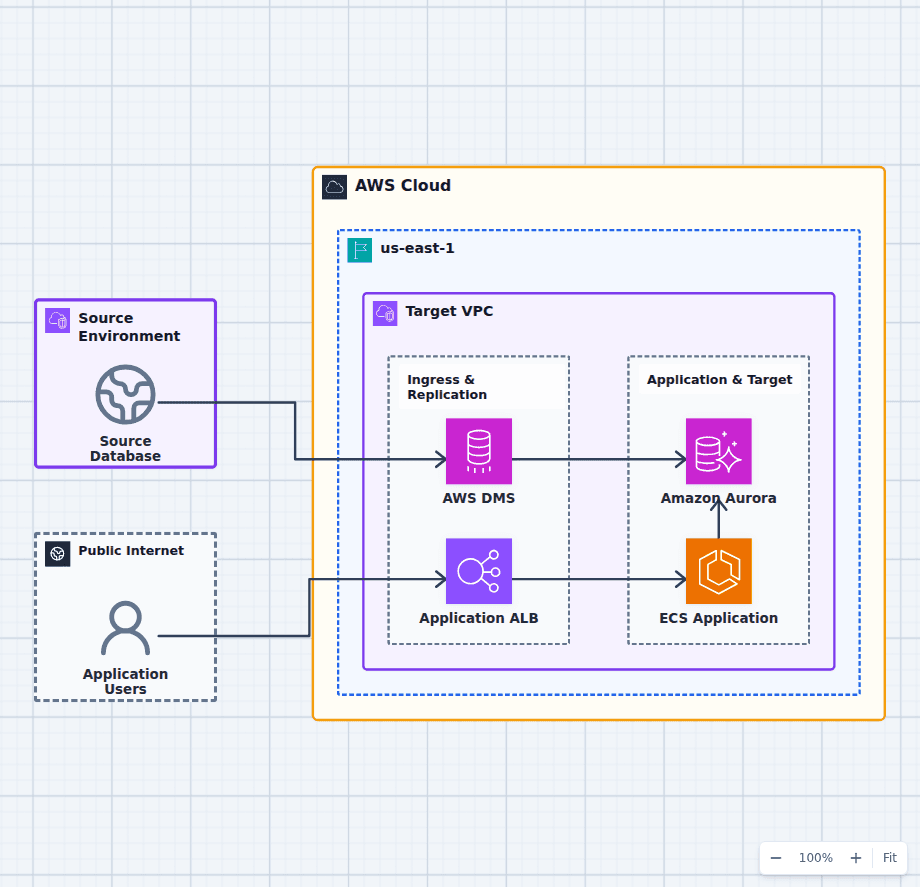
Failure domain. This is the part most often missed. An EBS volume lives in one Availability Zone. EFS stores data redundantly across multiple zones in its Regional configuration, so instances in a surviving zone keep their data. An architecture that needs to lose a zone without losing state either uses EFS, or uses EBS plus replication at the application or database layer. The application that survives an Availability Zone failure diagram shows where that boundary sits.
Choose EBS for boot volumes, databases, and any single-writer workload where latency matters. Choose EFS when several instances or containers must read and write the same files: shared media directories, CMS uploads, build artifacts, home directories, and lift-and-shift of an on-premises NFS dependency.
EFS vs S3: file semantics versus object economics
Both are shared and both span Availability Zones, so the choice is about interface and cost rather than availability.
EFS presents a POSIX file system: directories, permissions, file locking, partial writes, rename as an atomic operation. Applications that were written against a local disk work unmodified. S3 has none of that. There are no real directories, only key prefixes that look like paths. There is no partial write. There is no lock.
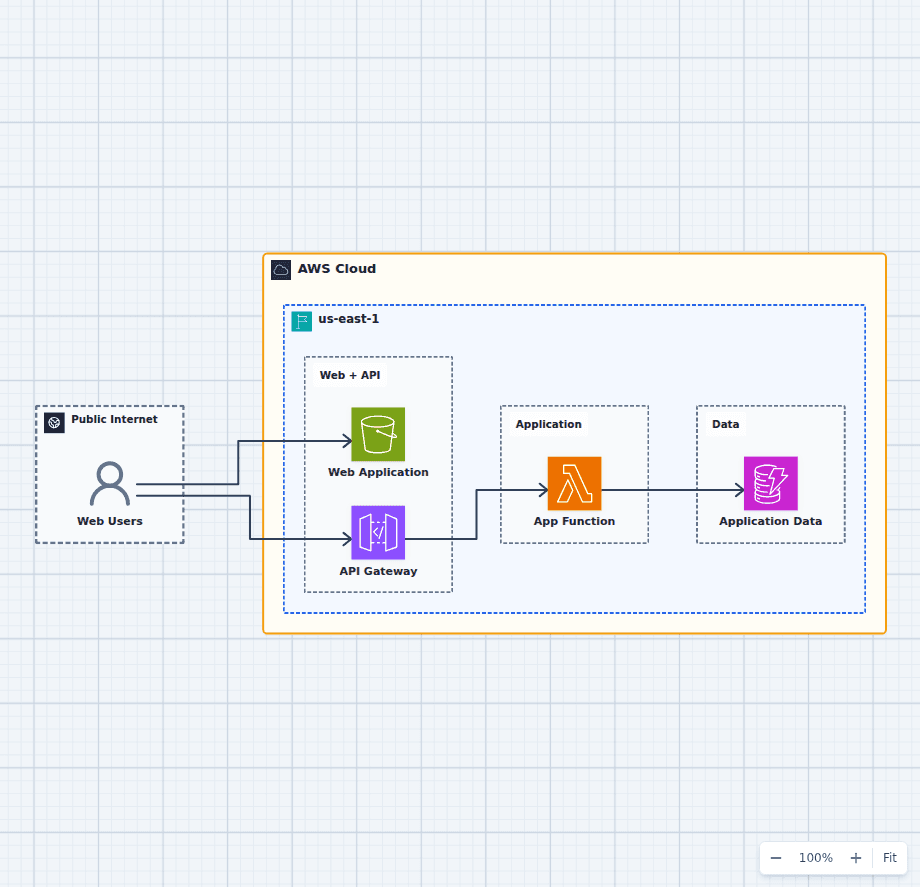
S3 is meaningfully cheaper per GB and scales further, and it is the only one of the three that other AWS services consume natively: Athena queries it, CloudFront serves from it, Lambda triggers on it, and analytics tooling assumes it. The data lake analytics platform is built on exactly that property.
The rule that holds up: if the application needs a file system, use EFS; if it needs a data store that other services will read, use S3. Rewriting an application from file calls to the S3 API is usually worth it for large datasets and rarely worth it for a small shared directory.
Storage classes change the cost comparison
Comparing headline per-GB prices misleads, because all three tier.
- S3 offers Standard, Intelligent-Tiering, Standard-IA, One Zone-IA, Glacier Instant Retrieval, Glacier Flexible Retrieval, and Glacier Deep Archive. Intelligent-Tiering moves objects automatically based on access and is the safe default when access patterns are unknown.
- EFS offers Standard, Infrequent Access, and Archive, with lifecycle policies that move files after a configurable idle period.
- EBS offers volume types rather than tiers: gp3 for general purpose, io1 and io2 for provisioned IOPS, and st1 and sc1 for throughput-oriented and cold HDD workloads. gp3 is usually cheaper and faster than the older gp2 it replaced, because IOPS and throughput are configured independently of size.
Two cost details worth planning for: retrieving from the Glacier classes carries a per-GB retrieval charge and a delay, and S3 charges for requests as well as storage, which makes millions of tiny objects surprisingly expensive relative to their size.
Access from private subnets
All three are reached over the network, which has a cost implication that catches teams out. S3 traffic from a private subnet routed through a NAT gateway pays a per-gigabyte data-processing charge. An S3 gateway VPC endpoint removes that traffic from the NAT path entirely and is free, which makes it one of the highest-value changes available in a VPC that moves any real volume of data. EFS is reached through mount targets that live in your subnets, so it does not traverse NAT at all. See AWS VPC explained for where endpoints sit in the routing picture.
A decision path
- Does more than one instance need to write the same data at the same time? If no, EBS. If yes, continue.
- Does the application require POSIX file semantics such as locking or partial writes? If yes, EFS.
- Otherwise use S3, and prefer it whenever the data is large, written once, read by other services, or retained for a long time.
The common production shape combines all three: EBS under the database, EFS for any genuinely shared file directory, and S3 for backups, logs, media, and analytics. That is not indecision. Each is doing the job it is priced and designed for.