
Secure File Upload and Malware-Scanning Pipeline on AWS
Authenticated presigned uploads, direct-to-S3 landing, GuardDuty malware scanning, clean/quarantine buckets with KMS, a Step Functions post-process, DynamoDB status, and SNS notifications.
Open editable diagramArchitecture diagram
Edit this exact diagram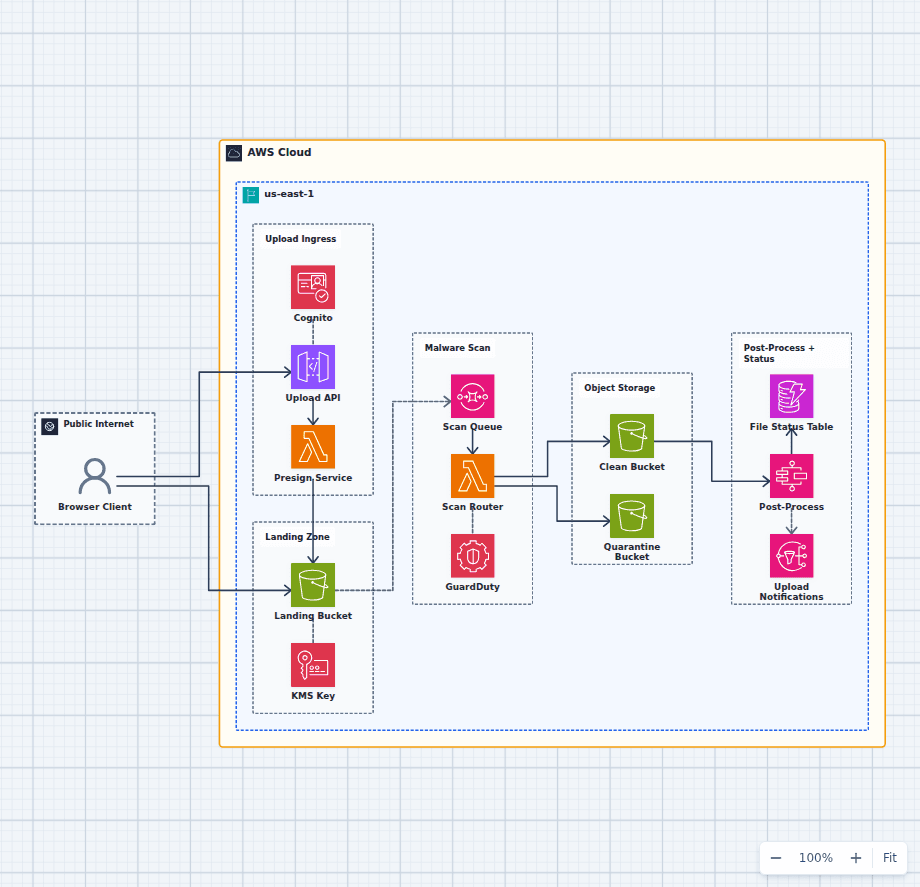 Open on the canvas
Secure AWS file upload architecture diagram with Cognito, presigned S3 upload, GuardDuty malware scanning, clean and quarantine buckets, KMS, Step Functions, and DynamoDB status. The image links to a fully editable BuildPlane starter.
Overview
Authenticated clients obtain short-lived presigned URLs and upload files directly to an encrypted Amazon S3 landing bucket. Amazon GuardDuty Malware Protection scans new objects, after which clean files are promoted and suspicious files are quarantined. AWS Step Functions coordinates downstream processing, DynamoDB tracks status, and Amazon SNS notifies the application.
Components
- Upload Ingress: API Gateway with Cognito authorizes uploads and issues scoped presigned URLs.
- Object Storage: Landing, clean, and quarantine buckets create a clear trust gradient, all encrypted by the KMS key.
- Scan + Process: An SQS-fed router acts on GuardDuty verdicts, then a Step Functions flow derives thumbnails and metadata.
- Status: DynamoDB records per-file status and SNS notifies the application.
- Encryption: A customer-managed KMS key enforces server-side encryption on every bucket.
Upload Flow
- The client authenticates and requests a presigned URL from the upload API.
- The client PUTs the file directly to the encrypted landing bucket.
- An object-created event queues the file; GuardDuty scans it and the router moves it to clean or quarantine.
- Clean objects trigger the post-process flow, which writes status and derivatives.
- The app is notified via SNS when a file is ready or rejected.
Customize First
- Swap GuardDuty for a third-party AV engine, or add content-type and size checks in the presign step.
- Add object-lock/retention on quarantine and a human-review workflow for flagged files.
- Stream the status table via DynamoDB Streams to update the app in real time.
Related AWS guides
Understand the decisions behind this diagram
Use these practical explanations to compare services, failure boundaries, and operating tradeoffs before adapting the architecture.
Design rationale
Decisions that shape this architecture
Authorize metadata, then upload directly to S3
The API issues a short-lived, narrowly scoped presigned URL. File bytes avoid the Lambda request path while the application still controls object name, size, ownership, and allowed content type.
Treat the landing bucket as untrusted
New objects remain isolated until the scanning verdict is available. Only an authorized routing step can promote a clean object or move a suspicious object to quarantine.
Expose processing state explicitly
DynamoDB records upload and scan status, while SNS can notify the application. Users should not infer safety or readiness from object existence alone.
Before production
Operational checks
Constrain presigned URLs by object key, expiry, size, and expected content type.
Block reads from the landing and quarantine buckets for normal application roles.
Test malware-positive, scanner-error, timeout, and duplicate-event paths.
Define retention, legal hold, and operator access for quarantined objects.
Scope and tradeoffs
What this diagram does not solve
Malware scanning is one validation layer
Content parsing, decompression limits, media transcoding, document sanitization, and business validation may still be required for the file type.
Presigned URLs need server-side policy
A presigned URL delegates a specific storage operation. The issuing API must prevent arbitrary keys, oversized uploads, tenant crossover, and unsafe metadata.
Common questions
Frequently asked questions
Why upload directly to S3 instead of through Lambda?
Direct upload avoids API and function payload limits, reduces compute cost, and lets S3 handle large object transfer reliably.
When can the application serve the uploaded file?
Only after the scanning and validation workflow marks it clean and promotes it into the trusted storage boundary.
Should quarantine objects be deleted immediately?
Retention depends on incident response, privacy, and compliance policy. Keep access tightly controlled and automate deletion when the approved retention window ends.
Keep exploring
Related AWS architectures
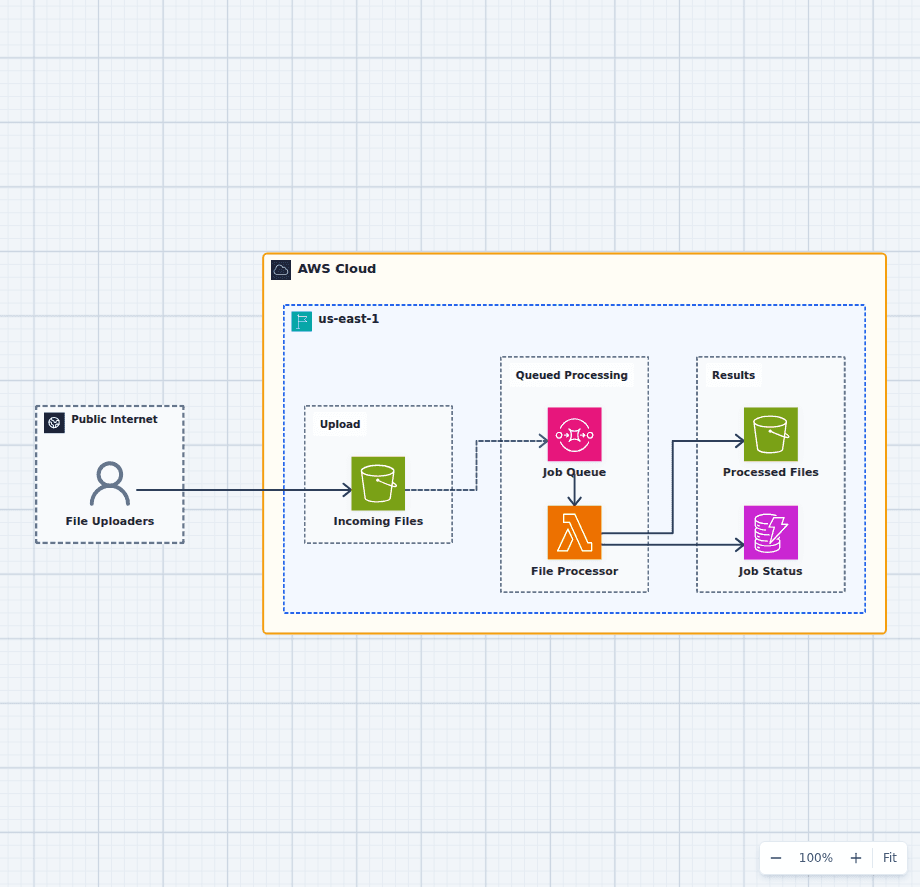
Asynchronous File Processing Pipeline on AWS
This design accepts uploads immediately and lets workers process them at a controlled rate. S3 protects the source file, SQS absorbs bursts and retries, Lambda performs bounded work, and separate result and status stores make completion observable.
Explore the architecture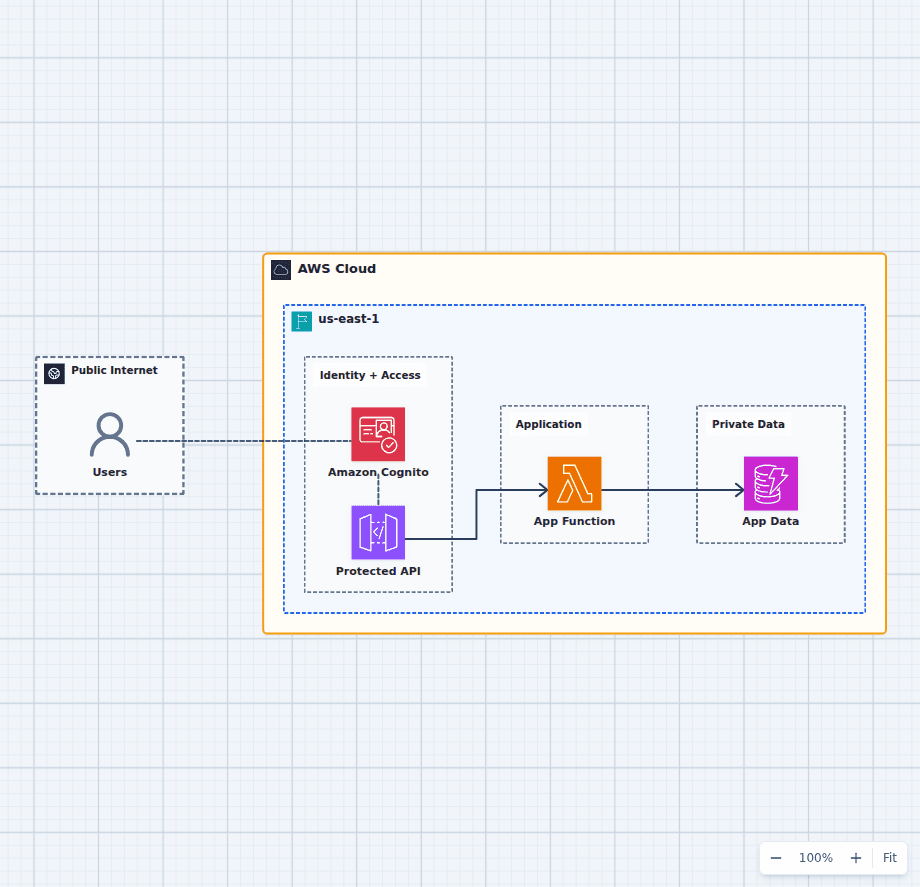
Secure Application Authentication with Amazon Cognito
This architecture separates identity verification from application authorization. Cognito authenticates the user, API Gateway validates the presented token, Lambda enforces business rules, and DynamoDB remains behind the application boundary.
Explore the architecture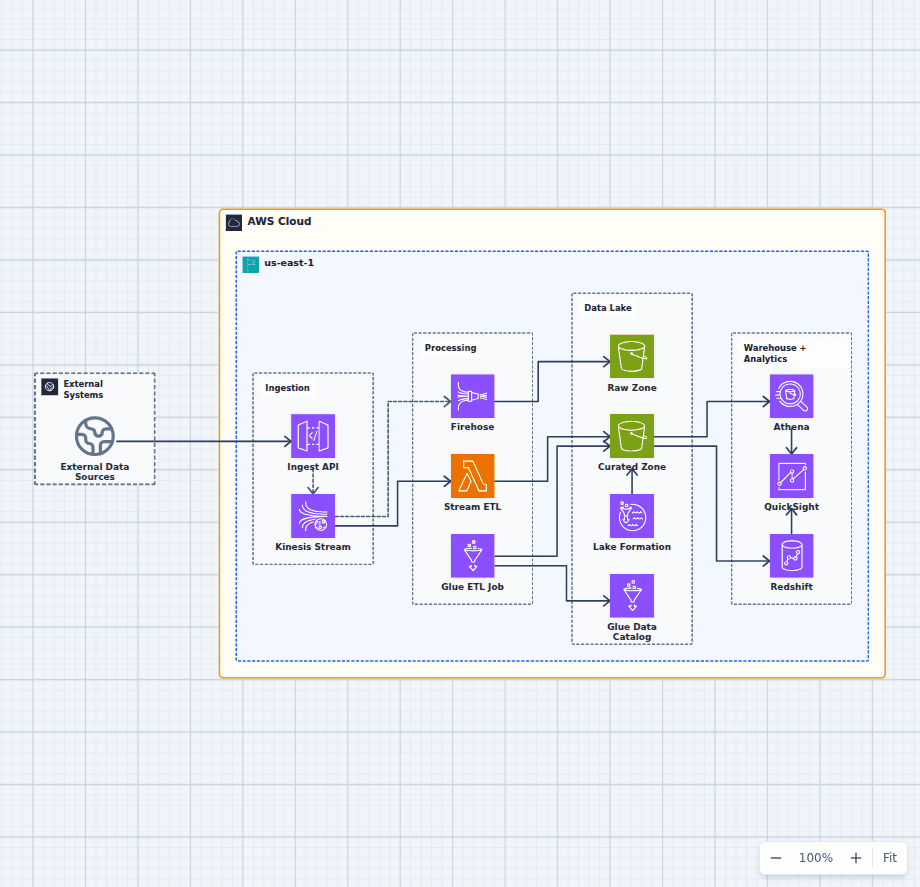
Governed Data Lake and Analytics Platform on AWS
This architecture supports both near-real-time processing and batch-oriented curation. Kinesis fans data into a fast Lambda path and a Firehose landing path, Glue creates query-ready datasets, and Lake Formation applies governance across Athena, Redshift, and QuickSight.
Explore the architectureFrom reference to working draft
Adapt this architecture with your AWS AI Agent
Start from the exact diagram in this guide. Change requirements, challenge a decision, or ask what fails first, while keeping the architecture editable.