An EC2 bill becomes expensive quietly. A few oversized instances run all month. Old EBS volumes stay attached or forgotten. Development servers run through nights and weekends. Then a traffic spike encourages the team to add even more headroom.
The fix is not to chase the lowest hourly price. Good EC2 cost optimization preserves reliability while reducing waste.
1. Start with utilization, not instinct
Look at CPU, network, disk throughput, memory, and application-level saturation over a representative period. CloudWatch provides most infrastructure metrics, but memory requires the CloudWatch agent or another telemetry source.
Right-sizing from CPU alone can be dangerous. A low-CPU database proxy might be constrained by memory or network connections. Choose a smaller instance only after identifying the actual bottleneck and testing the new size.
2. Stop non-production capacity on a schedule
Development, test, and training instances rarely need to run 24 hours a day. EventBridge Scheduler, Systems Manager, or an automation tool can stop them after business hours and start them before the team arrives.
A server that runs 50 hours instead of 168 hours each week has already removed most of its compute cost. This is often the fastest low-risk win.
3. Match commitments to the stable baseline
Savings Plans can reduce compute rates in exchange for a one-year or three-year hourly spending commitment. Commit only to usage you expect to keep. Covering a stable base is sensible. Committing to a temporary migration fleet or a product with uncertain demand can create a different kind of waste.
Review commitments at the payer level when multiple accounts share an AWS Organization. The portfolio view is usually more useful than optimizing one account in isolation.
4. Use Spot for interruptible work
Spot Instances can be excellent for batch processing, CI workers, rendering, stateless web capacity, and queue consumers. They are not a cheap drop-in replacement for a single stateful server.
Design for interruption. Diversify instance types and Availability Zones, checkpoint long jobs, use queues, and keep a stable On-Demand baseline where required. The application should treat termination as an expected event.
5. Evaluate Graviton
AWS Graviton instances often provide strong price-performance for Linux workloads. The real question is compatibility. Confirm the application, base image, native dependencies, agents, and container images support Arm64, then compare workload throughput per dollar.
6. Let Auto Scaling remove idle headroom
An Auto Scaling group can add capacity when demand rises and remove it when demand falls. Scale on a metric related to work, such as requests per target, queue depth per worker, or latency. CPU is useful only when CPU tracks the workload.
Set sensible minimums across Availability Zones. Cost optimization that collapses a highly available service to one host during quiet periods is false economy.
7. Check EBS separately
EC2 and EBS appear as different billing dimensions. Delete unattached volumes after confirming they are not needed, remove obsolete snapshots according to retention policy, and move from older gp2 volumes to gp3 where appropriate. Tune provisioned IOPS and throughput to measured requirements.
8. Reduce data transfer surprises
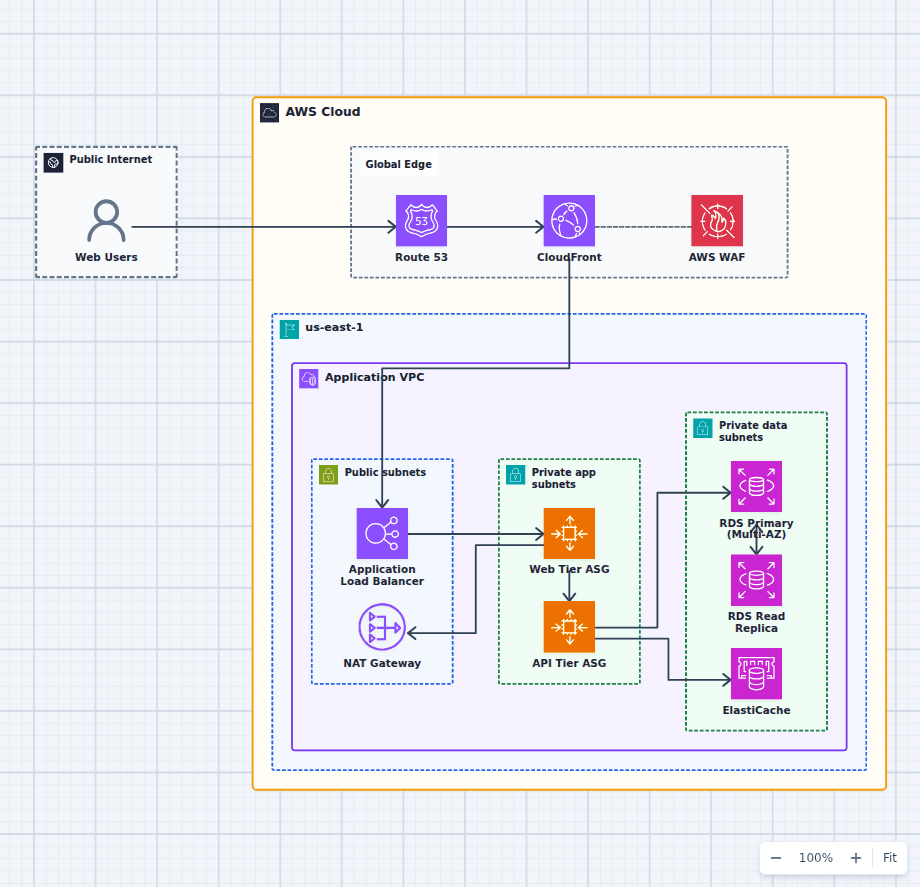
Cross-AZ traffic, NAT gateway processing, public IPv4 addresses, and internet egress can matter as much as instance hours. Keep chatty application tiers near their dependencies without undermining availability. Use VPC endpoints for supported AWS services when they reduce NAT traffic and improve the access path.
9. Modernize only when the economics are real
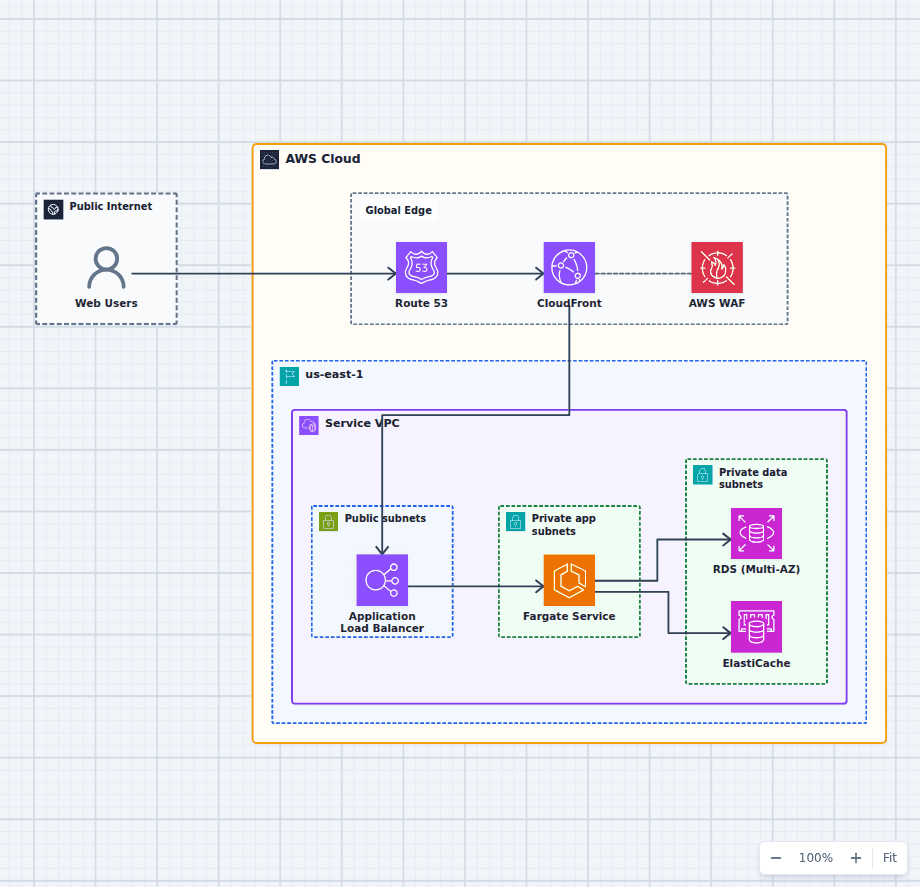
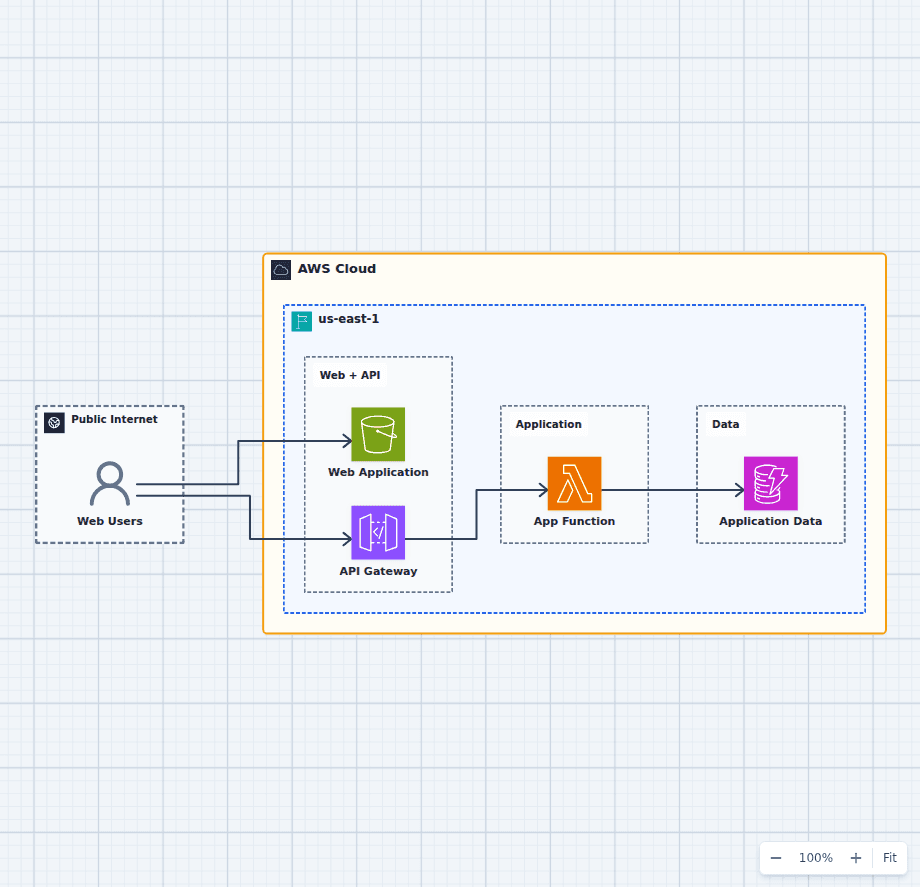
Containers, Lambda, and managed services can reduce idle capacity, but a rewrite has a cost. Compare total ownership: engineering effort, operations, licenses, scaling behavior, and risk. The cost-conscious startup architecture is a useful small-system baseline, while the ECS Fargate service diagram shows a managed container alternative.
10. Put ownership on every resource
Tag instances with application, environment, owner, and cost center. Enforce tagging at creation where possible. An unowned instance is hard to delete because nobody knows whether it matters.
A practical monthly review
Each month, review idle instances, right-sizing candidates, commitment coverage, Spot interruption performance, EBS waste, data transfer, and unit cost per request or customer. Cost Explorer and Cost and Usage Reports show the bill. Application telemetry explains why the bill changed.
The goal is not the smallest possible EC2 bill. The goal is predictable cost for useful, reliable capacity.